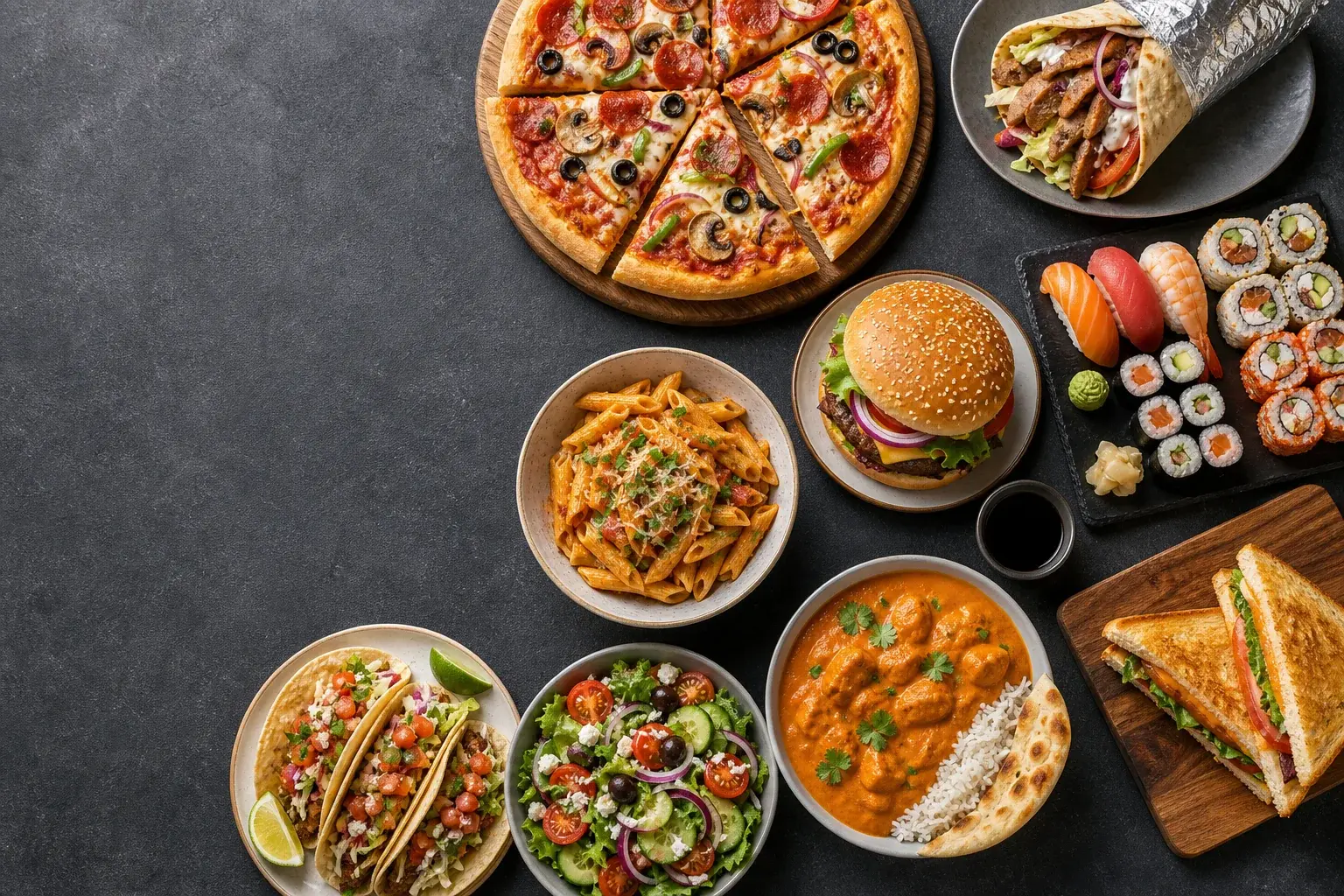
Food Decision Wheels visual featuring an overhead food spread with pizza, doner kebab, sushi, burger, pasta, tacos, salad, curry and sandwiches

Food Decision Wheels

Visual food wheels for choosing dinner, lunch, takeaway, coffee or tea. Spin pizza, doner, sushi, burgers and more.

What Should I Eat?Dinner WheelCook or Order FoodCoffee or Tea

4 ready-made tools

Choose a starting point

Stop scrolling and pick the meal

Food indecision usually happens before anyone opens the fridge or delivery app. The food tools narrow the question first: what cuisine, which meal, or whether to cook at all. That turns an endless menu into one clear next step.

The presets include recognizable choices such as pizza, doner, sushi, burgers, pasta, tacos, curry and salad. Edit them around allergies, budget, distance, or what is actually available, then spin once and commit to the result.

Getting a useful result

How to use these tools well

Answer the effort question first

What should I eat is two questions wearing one coat: what do you feel like, and how much effort are you willing to spend. Flip cook or order first. Once that is settled, the dinner wheel only has to hold options you can reach tonight, which makes the list short enough to be useful. Coffee or tea does the same job on a smaller scale. Deciding the frame before the detail is what turns forty minutes of scrolling into two decisions of a few seconds each.

Edit around real constraints

The presets carry familiar choices such as pizza, doner, sushi, burgers, pasta, tacos, curry and salad, and they are there to be edited. Delete whatever an allergy rules out, whatever sits outside the delivery radius, and whatever is closed tonight. If you are cooking, cut the list back to meals you already have ingredients for. Eight things you can genuinely have in the next hour beat twenty you cannot, because every segment you remove raises the odds of a result you will follow.

Weights for repeats and variety

Weighted odds let a list stay honest without pretending everything is equal. Give the cheap local place a heavier weight than the expensive one and the live probability updates next to each entry, so the balance is visible rather than assumed. No-repeat mode does the opposite job: each result leaves the pool until the whole list has come up, which is how a week of dinner wheel spins gives you seven different meals instead of pasta three times. Spin history shows what has already been chosen.

Questions

Frequently asked questions

Should I flip cook or order first?

It helps, because the two questions have different answers. Cook or order settles effort, budget and time; only then does what should I eat have a sensible list to draw from. Flipping first also stops you building a wheel of restaurant meals on a night when you were never going to leave the house or pay for delivery anyway.

How do I use this for a group?

Agree the shortlist together, then spin once with everyone watching. Adding an option nobody objects to is easier than arguing for a favourite, and the spin means no single person has to be the one who decided. If people are not in the same room, share the wheel as a link so everyone reads the same entries before the result is drawn.

Can it stop suggesting the same dinner?

Turn on no-repeat mode. Each meal is taken out of the running once it has been drawn, so the wheel works through the list before anything returns. Spin history tells you what has already come up, which is worth checking before a shop. You can also rename entries as the week goes on to match what is left in the fridge.