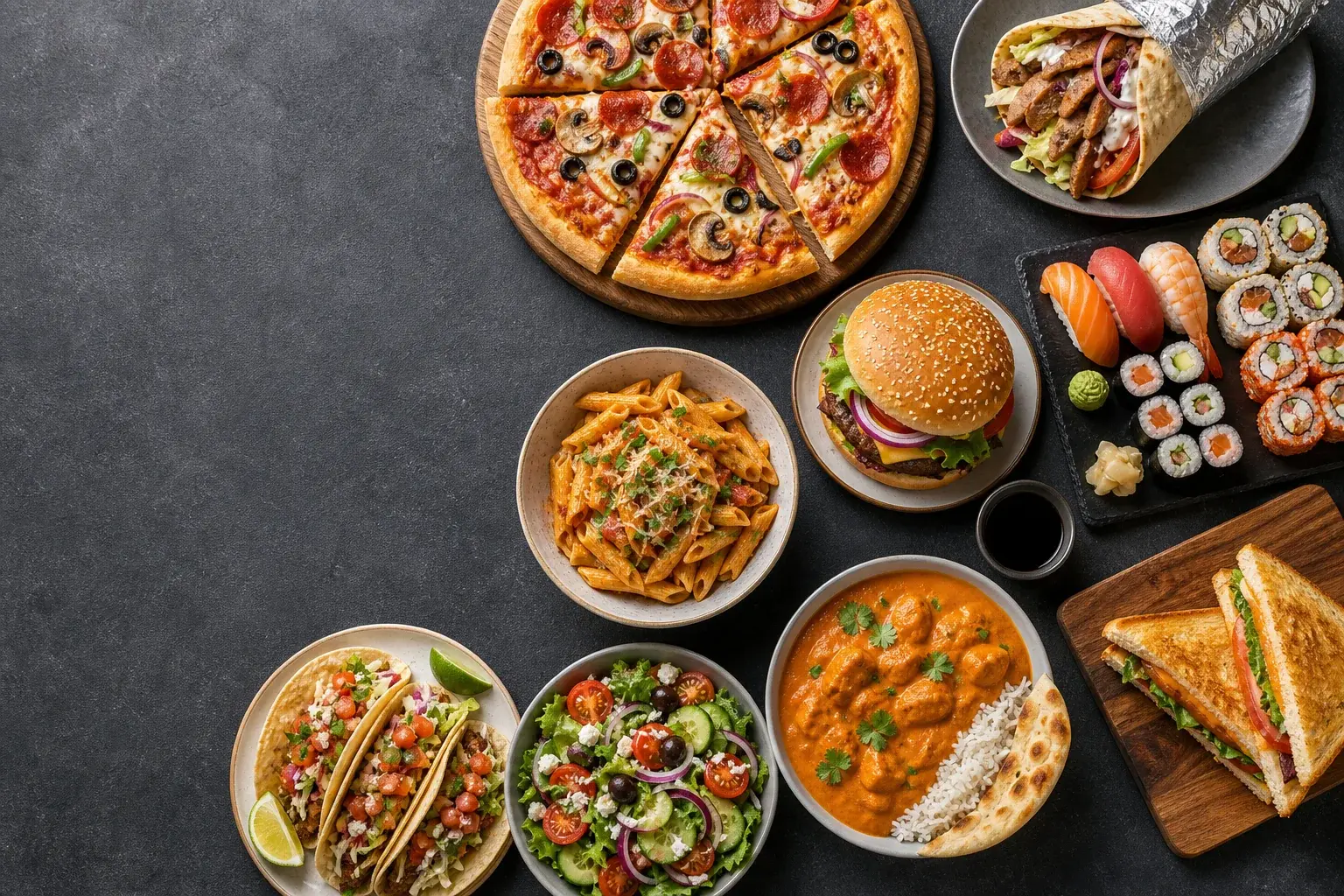
Cook or Order Food visual featuring an overhead food spread with pizza, doner kebab, sushi, burger, pasta, tacos, salad, curry and sandwiches

Cook or Order Food

Flip a coin between cooking at home and ordering in — then let the dinner wheel pick the actual dish.

🍳 Cook🛵 Order
Start deciding
🍳 Cook
🛵 Order

Tap, press Space, or swipe up

About this tool

About the Cook or Order Food

"What's for dinner?" is really two questions, and the first one is whether anyone is cooking at all. That is the question this coin answers. Instead of standing in front of the fridge weighing effort against delivery fees for twenty minutes, flip once: Cook means the kitchen is on, Order means someone opens the delivery app.

Splitting the decision in two makes the whole evening move faster. Once the coin has ruled on cook-versus-order, picking the actual meal is a smaller, easier choice — and if you are still stuck, the Dinner Wheel can take that step off your hands too. Two random decisions, zero fridge-staring.
Four quick steps

How to use it

  1. Flip the coin while the kettle boils or the commute ends.
  2. Cook: check what is actually in the fridge before choosing a dish.
  3. Order: agree on cuisine before anyone opens an app, or flip again with two cuisines as labels.
  4. Stuck on the dish itself? Spin the Dinner Wheel next.

Useful moments

Good for

  • Kill the nightly cook-versus-takeaway debate in shared flats.
  • Decide whether tonight's meal plan survives a long workday.
  • Give kids a fun say in dinner without opening the floor to demands.
  • Break the every-Friday-is-pizza habit by letting chance rule occasionally.

Keep deciding