What Should I Eat?

About this tool

About the What Should I Eat?

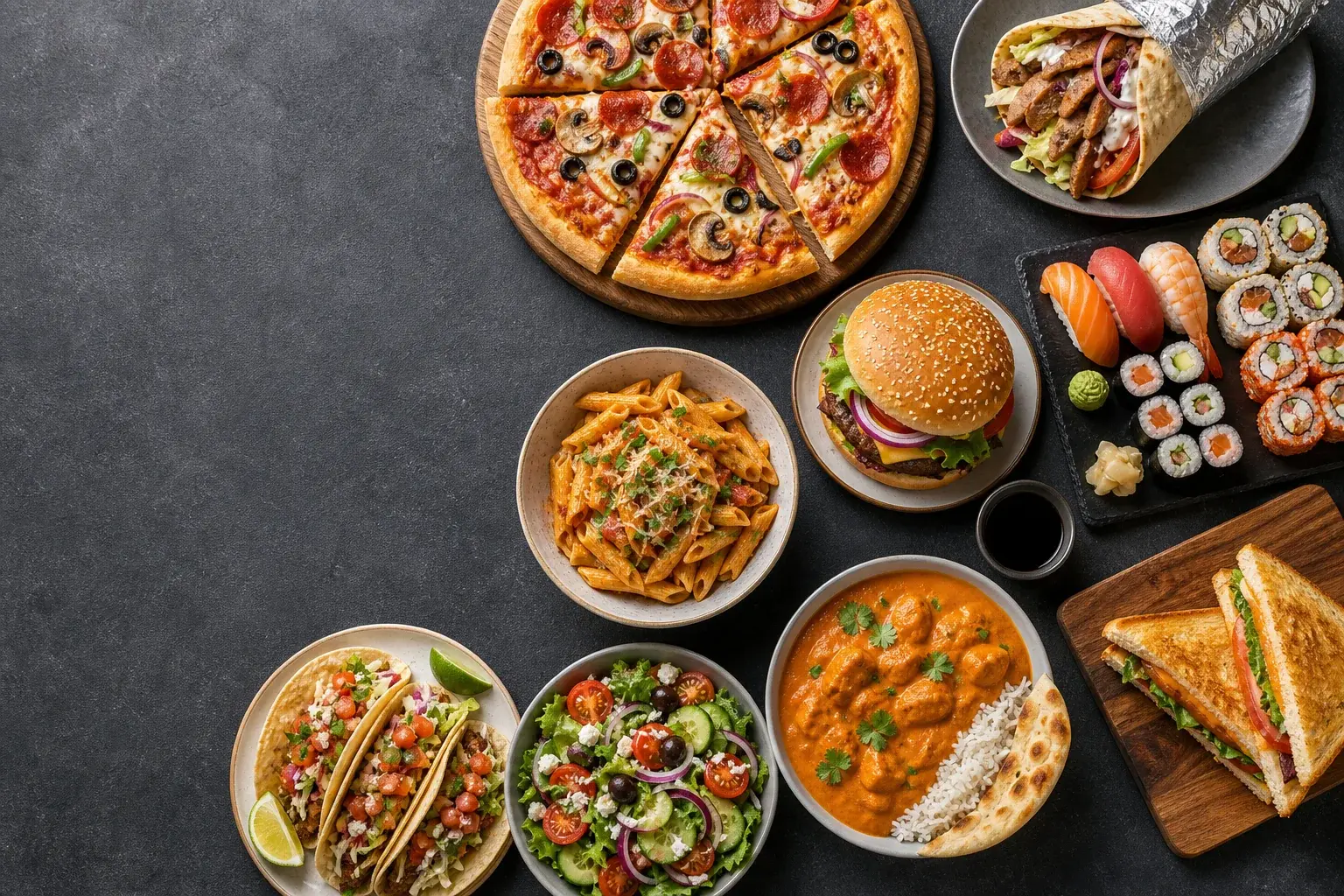
Deciding what to eat is a small choice you make several times a day, and by evening the question can feel heavier than it should. This wheel loads nine broad meal types, from pizza and doner to sushi and curry, so you spin once and get a direction instead of scrolling delivery apps for twenty minutes.

The preset list is deliberately generic. Before spinning, cut anything you cannot actually get tonight and add the takeaway spots or fridge ingredients you really have. A wheel that only contains realistic options gives you an answer you can act on immediately, rather than a result you have to overrule.

Four quick steps

How to use it

  1. Open the wheel and scan the nine default meal options.
  2. Remove choices that are unavailable right now, like sushi when nothing nearby delivers it.
  3. Add your own options if a favorite is missing.
  4. Spin once and eat whatever wins; no re-spins allowed.

Useful moments

Good for

  • Ending the nightly what-do-you-want-to-eat loop with a partner or housemates
  • Choosing lunch quickly during a short work break
  • Picking a cuisine before opening a delivery app, so you browse with purpose
  • Rotating through meal ideas when everything sounds equally fine

Questions

Frequently asked questions

What foods are included on the wheel?

The starting wheel includes pizza, doner, burgers, pasta, tacos, sushi, salad, curry and sandwiches. Every entry can be renamed, removed or replaced before you spin.

Can I use my own restaurants or dishes?

Yes. Replace the broad food types with nearby restaurants, specific dishes, meal-prep options or whatever is actually available tonight. The wheel updates as you edit the list.

Can I make the food wheel vegetarian or allergy-friendly?

Yes. Remove any unsuitable entries and add choices that match your dietary needs. The tool does not recommend food medically, so always check ingredients and restaurant allergen information yourself.

Keep deciding